
A calm Markdown reader for Mac
Your AI writes Markdown. LintMD reads it beautifully.
Lightweight and native. Reads Markdown — plus JSON, YAML, .env, and code.
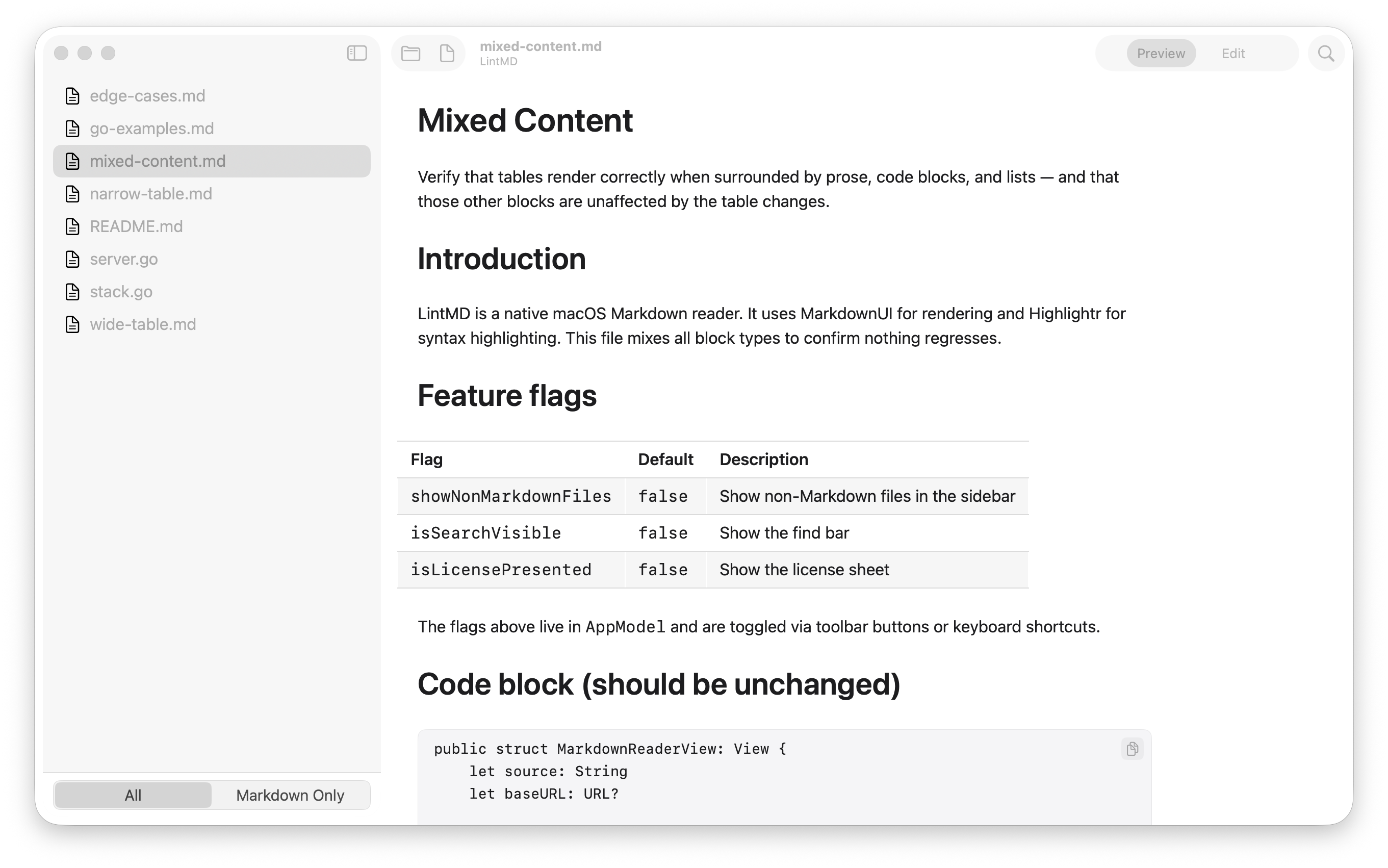
No account, no sync, no ads. LintMD opens the files you point it at — and they never leave your Mac.
What it does
-
Native & light
SwiftUI, not a browser in disguise. Opens instantly, barely there in memory.
-
Made for AI output
Reads the Markdown Claude Code, Cursor, and ChatGPT generate all day.
-
Whole folders, instantly
Point it at a repo or an output dir — thousands of files, sidebar loads at once.
-
Renders like GitHub
Real tables, code blocks, and typography tuned for long reads.
-
More than Markdown
JSON, YAML,
.env, and source code — syntax highlighted. -
Yours to tune
Font size, column width, in-document search, recent files.
Download
Drag to Applications. Notarized by Apple — it just opens.
LintMD.dmg · macOS 14+ · Free